Many treasurers inherit a box of receipts, a folder of bank statements, and a spreadsheet only the previous treasurer really understood. It works, until it doesn't: a receipt goes missing, a formula breaks, or handing it off to your successor becomes a nightmare. Moving to digital recordkeeping makes your work lighter and your organization less vulnerable.
Why making the switch pays off
- Nothing gets lost: receipts are captured digitally, linked to the transaction;
- No calculation errors: the software does the math, you do the checking;
- Smooth handoffs: your successor logs in and sees everything, instead of inheriting a box;
- Always up-to-date insight: you know where things stand at any moment.
Step 1 – Pick a sensible starting point
Don't start in the middle of a fiscal year trying to retroactively move everything over. Choose the start of a new fiscal year as your starting point. You only bring over the opening balances, the balance of your bank account(s) and any restricted funds, and build forward from there. Keep the old years as an archive.
You don't need to digitize your entire past to move forward. One clean start date with the right opening balances is enough.
Step 2 – Connect your bank account
The biggest time-saver is automatically importing your bank transactions. Instead of typing in every line, transactions come in and all you need to do is categorize them. A good tool recognizes recurring items and suggests the right category for you.
Step 3 – Capture receipts right away
Make it a habit to photograph or upload a receipt the moment you get it. That way your records build themselves up automatically, and you'll never have to go searching after the fact. Link every receipt to its matching transaction, and your audit trail stays complete.
Step 4 – Bring over your categories and projects
Think ahead about how you want to organize your income and expenses, and which restricted funds or projects you want to track separately. A clear structure from day one saves a lot of cleanup work later.
Step 5 – Keep your old archive organized
Don't throw away your paper archive: recordkeeping requirements still apply after you switch. Scan the most important documents or store the folder somewhere fixed and easy to find. That way the history stays accessible for the review committee or if questions come up.
How Tutelium helps
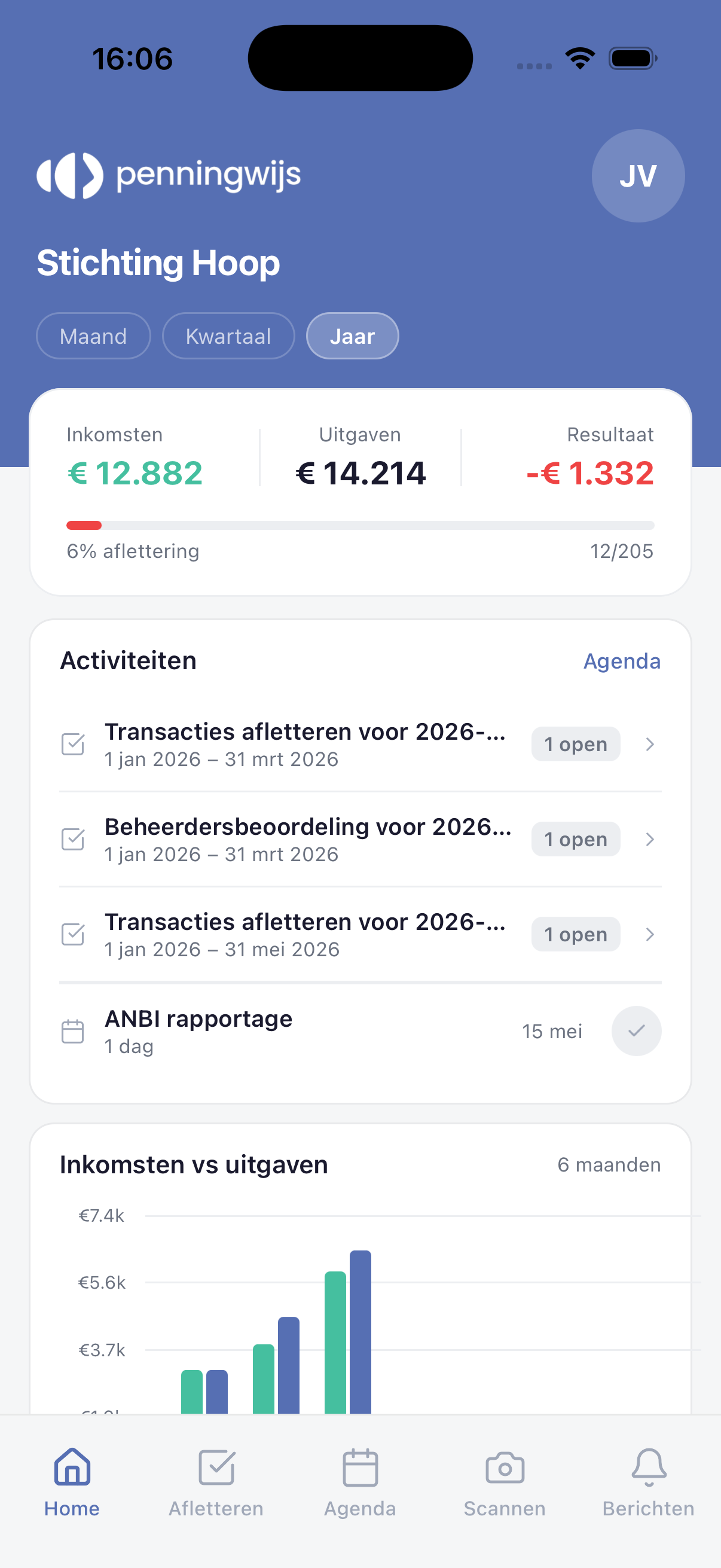
Tutelium is built for exactly this transition. You connect your bank account, photograph receipts with the mobile app, and let the system pre-categorize transactions for you. You start with your opening balances and build a complete, transferable set of books from there, no accounting knowledge required.
Keep reading
Ready for the next step? Read how to build a realistic budget and how to prepare effortlessly for your financial review.